
For creators and streamers
Post smarter, not more.
Schedule clips from one calendar. ClipSocial checks spacing, daily caps and blackouts before anything goes out, then shows what's working against your own history.
Free plan, no card needed. Preview build: posting is simulated until platform reviews are complete.

Built around your rules
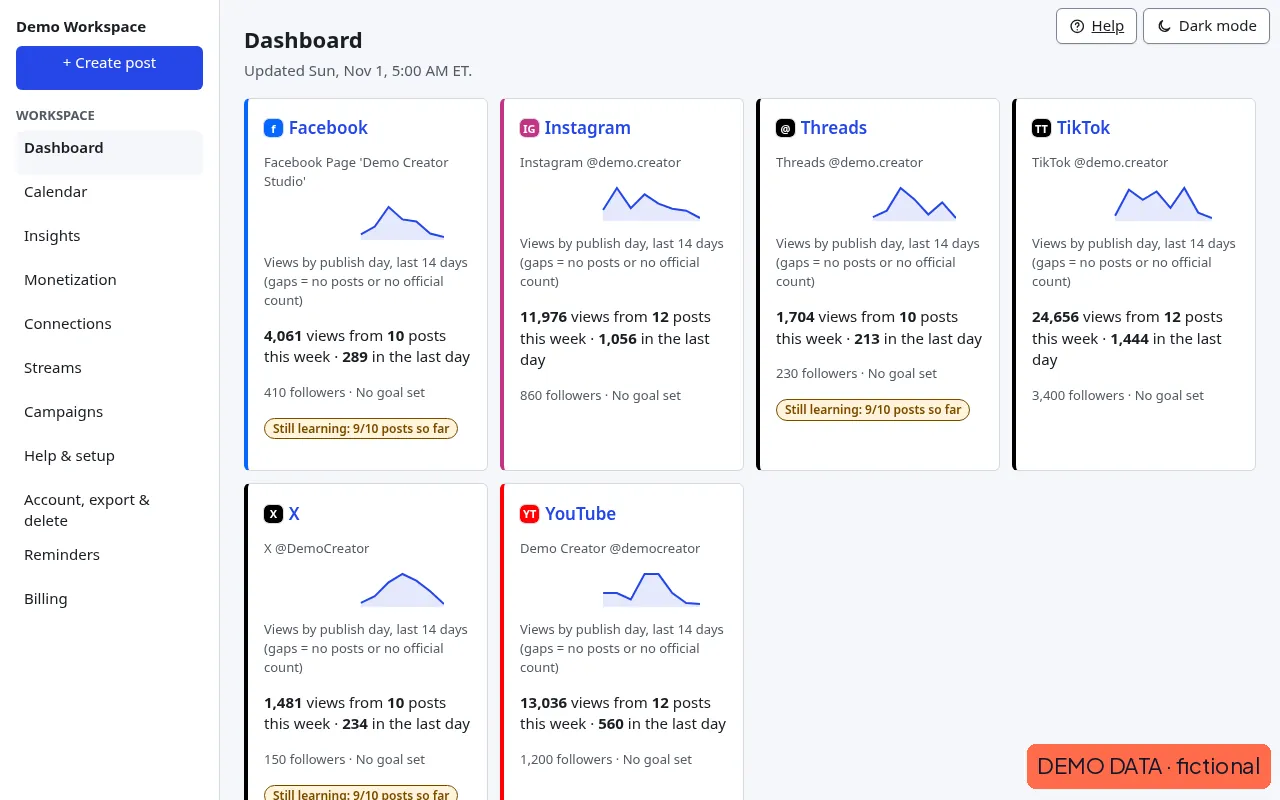
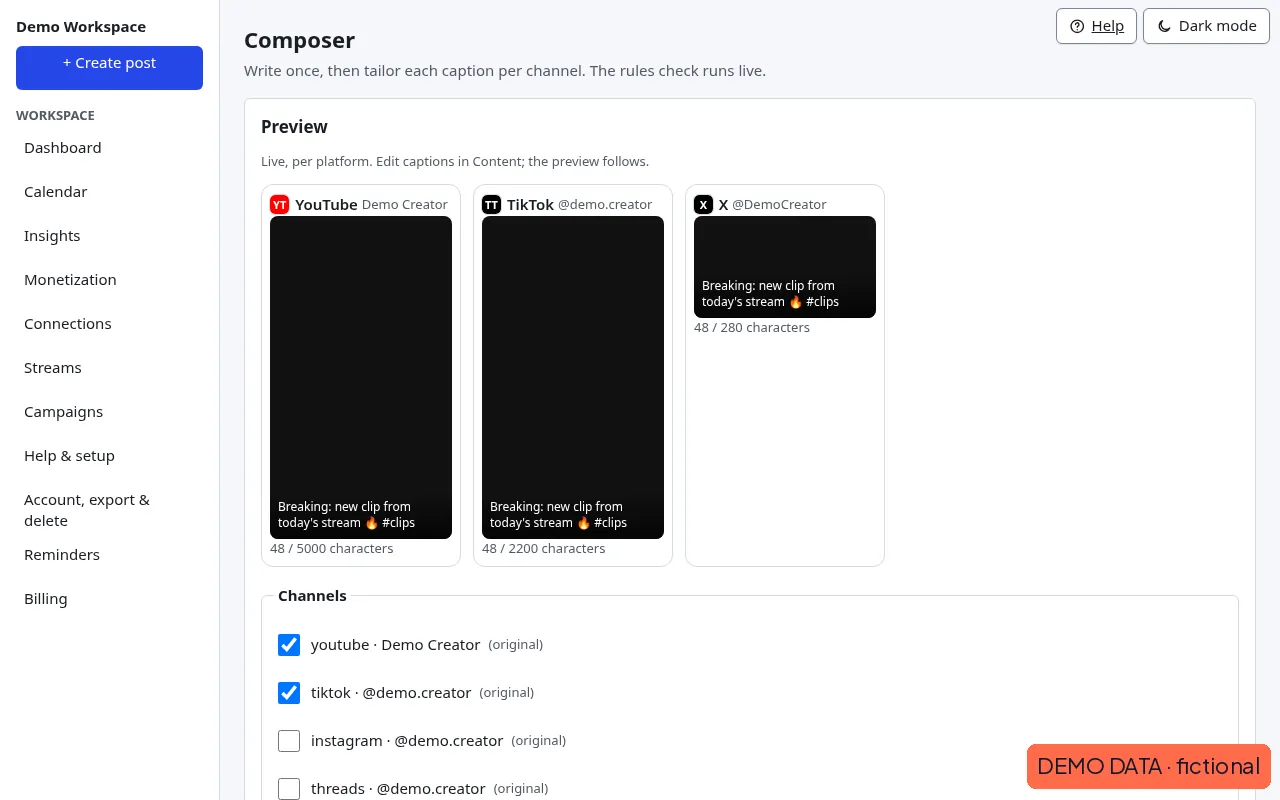
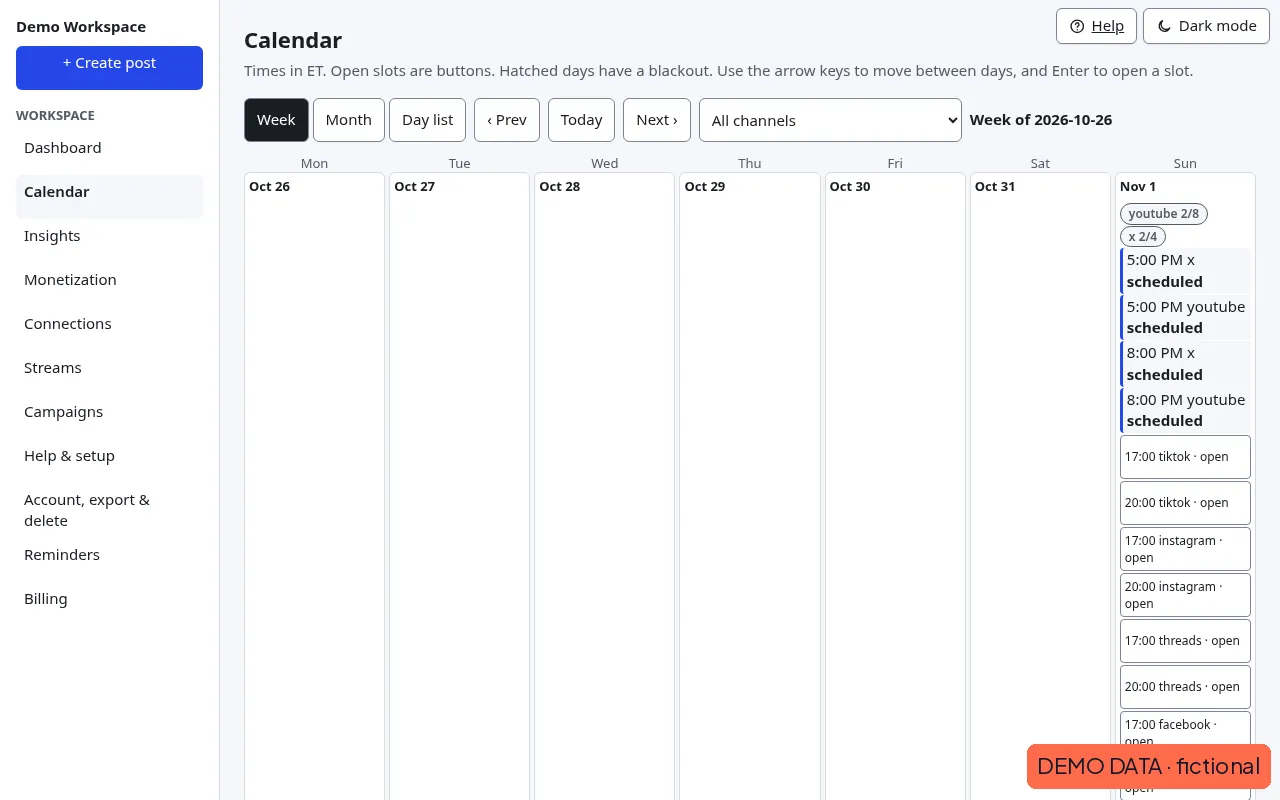
Screenshots use fictional demo data.
Rules before reach
Gaps, caps and blackouts are checked live in the composer and drawn on the calendar.
Insights you can trust
Every insight quotes real numbers, shows confidence and sample size, and says "learning" until there's enough data.
Built for streamers
Go-live cross-posts and clip drafts from your own Twitch channel, sent only after your approval.
Start with the Free plan
3 channels, 30 posts a month. Upgrade any time.
Start free See plans and pricesFrequently asked questions
What is ClipSocial?
A scheduler and insights tool for short-form creators. It checks spacing, daily caps and blackouts before a post goes out, then ranks results against your own history.
Which platforms does it support?
ClipSocial posts directly to 9 platforms and sends reminders for the other 5. Direct posting: YouTube, TikTok, Instagram, Facebook, Threads, X, LinkedIn, Pinterest and Snapchat. Reminders with your file and caption: Bluesky, Dailymotion, Twitch, Kick and Rumble. Some platforms limit what any app can do; each platform page explains the limits.
Does it scrape my metrics?
No. Metrics come from each platform's official APIs only. Anything we can't measure is shown as unknown.
Is it free?
There's a Free plan at $0. Paid plans start with a 7-day free trial; see the pricing page. Payments currently run in test mode, so no real card is charged.